
What's new
Why Premium CTV Outperforms: What We Learned at Marketecture with Disney and NBCU
3 min read
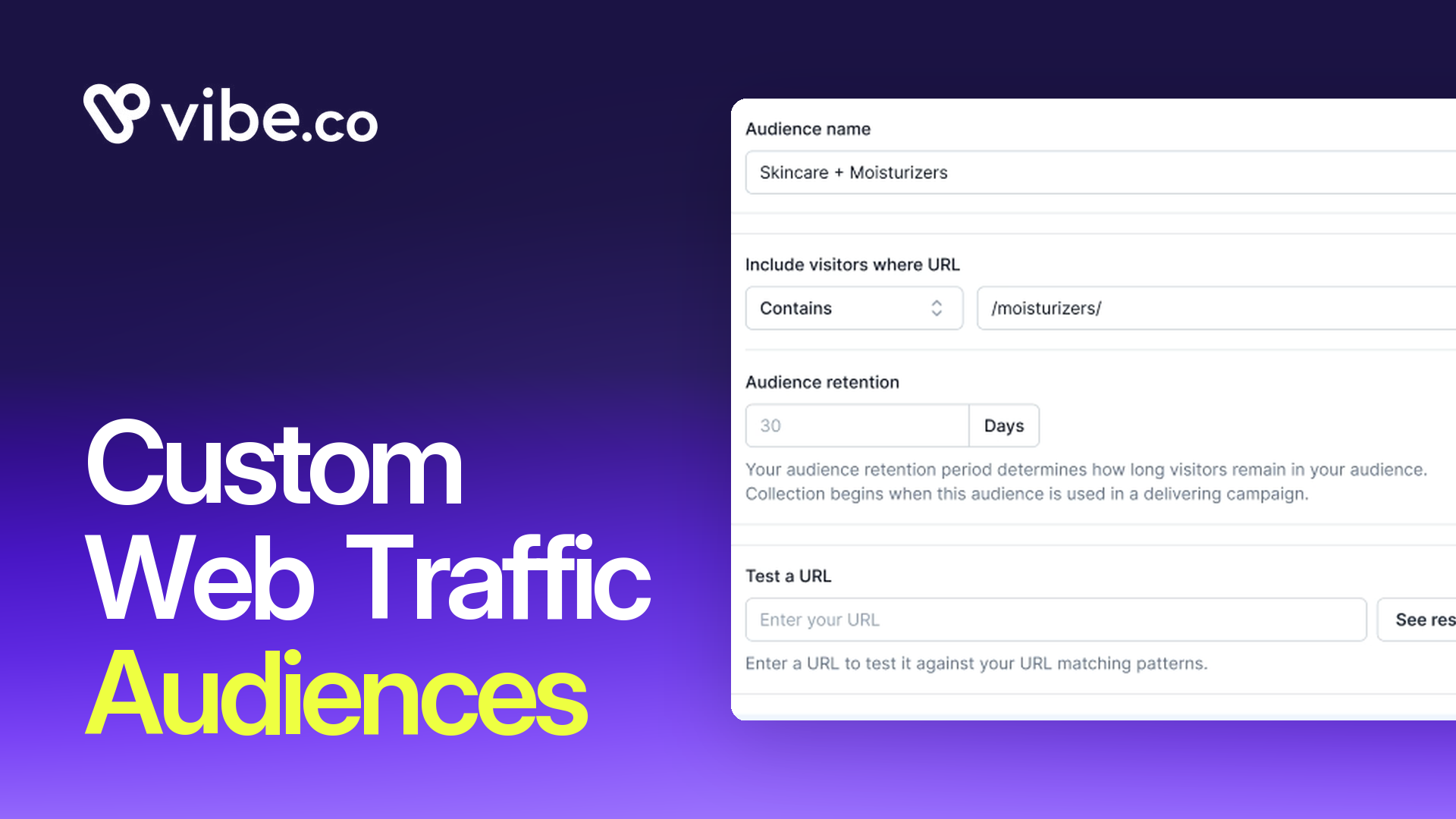
Custom Web Traffic Audiences is live today for all Vibe accounts. You can now build CTV retargeting audiences around specific URL patterns, with 8 matching operators and retention windows of 7, 14, 30, 40, 60, or 90 days.
If you've been running CTV retargeting on Vibe, every site visitor has gone into a single pool. The person who read one blog post, the prospect who spent 20 minutes on your pricing page, the enterprise buyer who visited your /enterprise/ page three times this week. All in the same audience. All seeing the same ad. With Custom Web Traffic Audiences, you treat them separately.
Your website is already telling you who your best prospects are. Most CTV platforms ignore that signal entirely. This changes how you use it.
If you sell more than one thing, lumping all your site traffic together actively hurts your campaigns.
A shopper on your /moisturizers/ page has completely different intent from someone browsing /haircare/. A visitor to /mens/ is a different audience from someone on /womens/. With URL-based rules, you build a separate audience for each product line and serve creative that speaks to what they actually came to see.
Eight operators are available: exact match, contains, starts with, ends with, and the negative version of each. That's enough to express almost any rule you'd want. Target everyone who hit /cart/ but exclude anyone who made it to /thank-you/. Target visitors to /collections/skincare/ who did not visit /account/. Target any URL that contains /sale/ but not /archive/.
One audience per use case. One creative per audience. That's how retargeting becomes a performance channel instead of a catch-all.
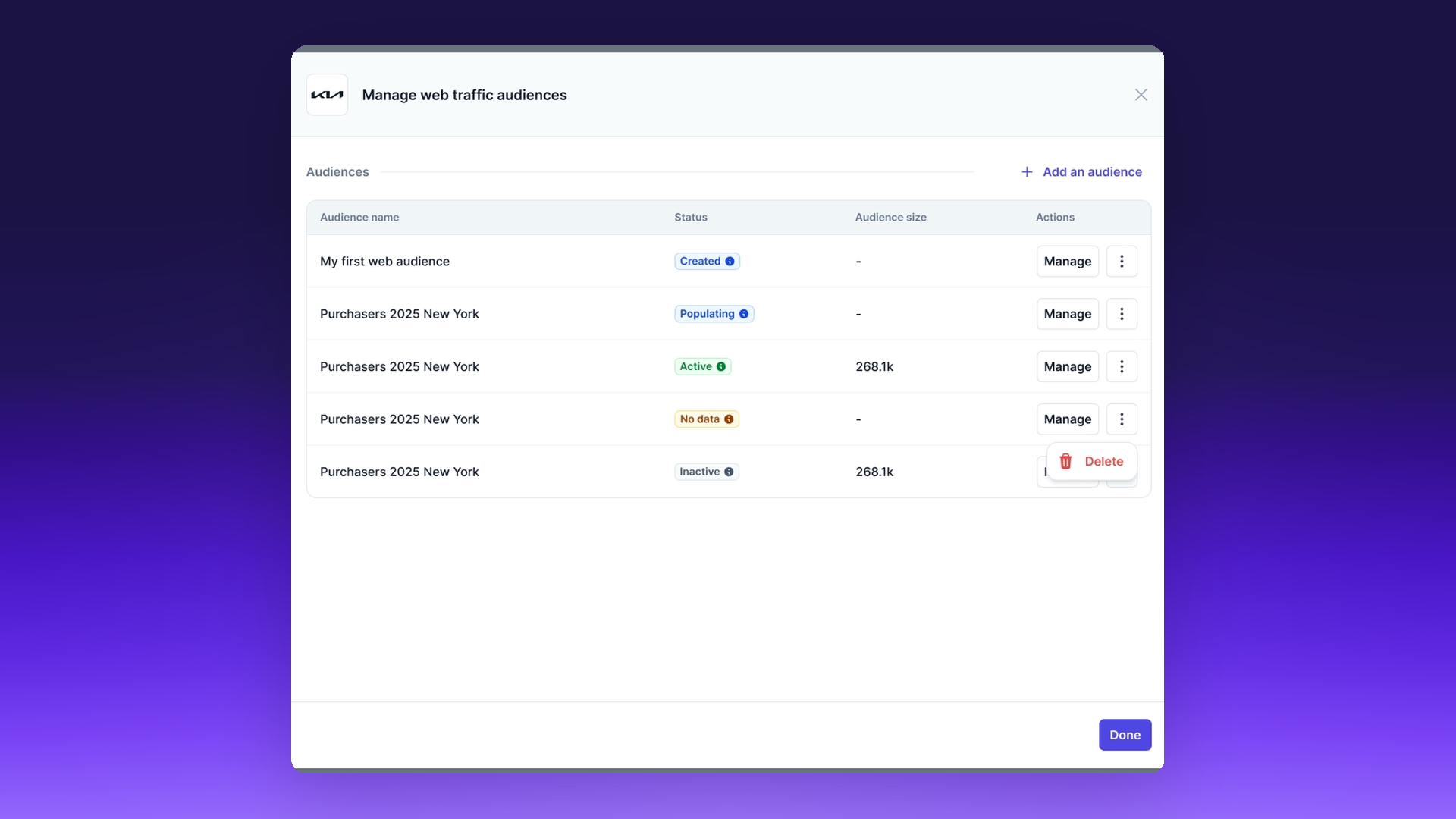
Not every product has the same consideration cycle. A flash sale and a six-figure software contract both use CTV retargeting, but the window that keeps each audience useful is different by an order of magnitude.
Custom Web Traffic Audiences lets you pick from preset retention windows of 7, 14, 30, 40, 60, or 90 days. Your audience stays calibrated to how your buyers actually buy.
For a limited-time promotion, 7 days keeps the audience hot and intent-rich, with every household in the pool still inside the purchase window. For cart abandoners, 30 days covers the typical window where a considered purchase either happens or doesn't, with enough head room for shoppers who came back the next weekend. For long-cycle B2B, 90 days keeps your best prospects in play through procurement, legal review, and budget approval, instead of falling out of the audience halfway through the deal.
The window is set per audience, not per account. You can run a 7-day /sale/ audience, a 30-day /cart/ audience, and a 90-day /enterprise/ audience at the same time, against the same pixel data, in the same campaign.
Someone visited your pricing page. They didn't convert. You have no way to follow them outside of Meta and Google, and those channels are already priced accordingly. Meanwhile your competitors are serving the same person the same generic in-market audience, at the same prices, in the same placements.
With a /pricing/ audience and a 14-day retention window, you reach that exact prospect on streaming TV while your competitors are nowhere near that inventory. You control the message, the creative, and the context. You're not bidding against every brand with a category audience. You're reaching someone who was on your site, comparing options, already close to the decision.
The same pattern works in ecommerce. A /cart/ audience with a 14-day window reaches shoppers who abandoned at checkout, with a CTV ad that answers the exact objection that made them bounce. A /collections/moisturizers/ audience reaches category browsers who never made it to a product page. A /sale/ audience reaches deal hunters while the promo is still live. Same logic, same setup, different page signal.
The same logic applies to every other high-intent page. A /demo/ visitor who didn't book. A /book-a-call/ view that didn't complete. A /case-study/ reader who came back twice. Each of those patterns becomes its own audience in minutes, with its own creative, aimed at the exact moment the prospect is still making up their mind.
The real power of URL rules shows up when you stack them. One audience alone tells you who to include. Paired with a second, you get precise control over who to exclude.
Build a /cart/ audience for shoppers who didn't check out. Build a /thank-you/ audience for customers who already bought. Attach the first as a positive audience, the second as an exclusion, and your retargeting budget stops being spent on people who already converted.
The same pattern works for separating funnel stages. Include /collections/ browsers, exclude /account/ holders, and you reach shoppers doing category research without paying to reimpress logged-in customers. Include /case-study/ readers, exclude /enterprise/ visitors, and you reach B2B prospects at the top of the funnel without serving segments your sales team is already working.
You can stack as many audiences as the campaign supports, include and exclude, without rebuilding a pixel or re-tagging pages. The targeting logic lives in the audience definition, which keeps your site code simple and your campaigns legible.
You need the Vibe Page View pixel installed on your site. If you're already running retargeting campaigns on Vibe, it's already there.
From the Vibe dashboard, open the Custom Audiences tab and create a new Web Traffic audience. Give it a name that describes what you're targeting: "Cart abandoners, 14 days" is better than "Audience 3." Enter one URL rule using any of the 8 operators, pick your retention window, and save. The audience starts collecting visitors the moment it's used in a delivering campaign.
From there, attach it to any retargeting campaign like any other custom audience. You can stack it with geo, daypart, and channel targeting, and combine with exclusion audiences to carve out the exact household set you want to reach.
Audiences refresh continuously. Someone who added to /cart/ today is in the audience today. Someone who visited 14 days ago rolls out at the 14-day mark, assuming that's your window. You don't re-upload anything. You don't rebuild the audience when the month flips over.
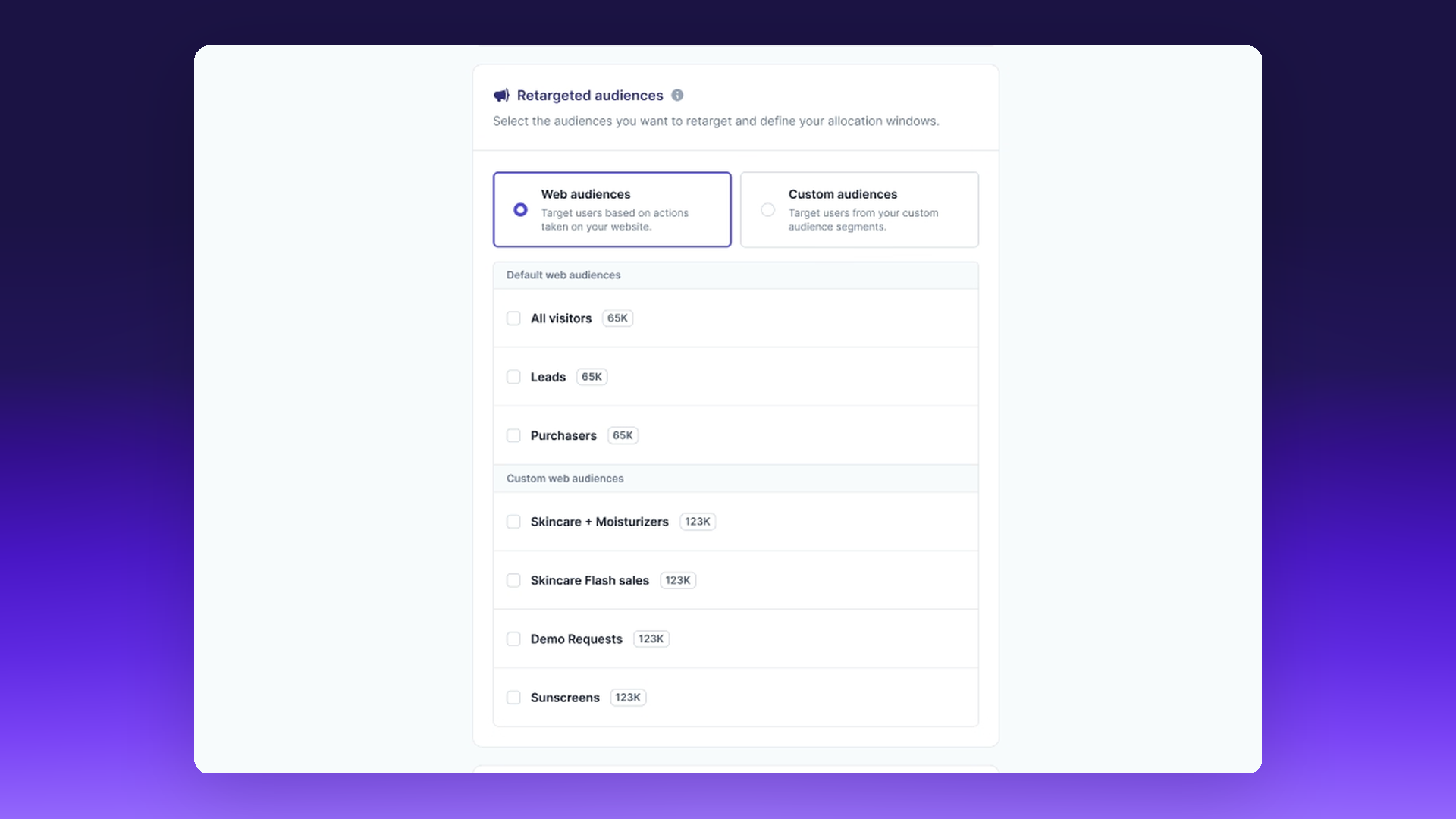
The workaround most performance marketers were using, include the whole site, exclude specific pages, run a generic creative across everything, stops at about one product line before it starts leaking. Once you're running two product lines, three geographies, or a funnel with more than one offer, the undifferentiated pool starts costing you money on the wrong households.
Custom Web Traffic Audiences replaces that with something you can actually operate. Build the audience that matches the intent you want to reach. Set the window that matches the cycle you're in. Serve the creative that answers what the visitor came looking for. Measure the lift on that exact segment instead of the whole pixel.
For a multi-location business, that means one audience per location's landing page, each attached to a geo-filtered campaign. For an ecommerce brand, one audience per product category, each paired with creative built for that category. For a B2B team, separate /enterprise/, /startup/, and /pricing/ audiences running with different retention windows and different calls to action. Any segment the site already surfaces becomes a targetable segment on TV.
Custom Web Traffic Audiences is live today for all Vibe accounts. No plan change, no pricing change. If your account has the Vibe pixel installed, the Custom Audiences tab is already in your dashboard.
Your site traffic is doing the targeting work for you. This is how you use it.

